TL;DR: For the most scenes and models, Placeit is still the default paid pick. For a free start, Canva and Mockey both export without a watermark, but Mockey marks its free plan as personal use, so read that before you list. If you sell through Printful or Printify, make at least one photo in their own free generator, because it shows the blank you are really selling. I built the mockup library inside Trendlytic (t-shirts and hoodies only), the quick way to see one design on women, men, kids and toddlers in a single pass.
A t-shirt mockup has one job: it lets a buyer see your design on a shirt that does not exist yet. On Etsy or your own store, that picture is usually the first thing anyone judges, well before they read your title.
Most "best of" pages for this search are written by a mockup company, and the two that rank highest each put their own product first. This page does too, so here is the plain version: the library at number one sits inside Trendlytic, the niche research app I founded and still run. Read my section with a stricter eye than the others.
Everything else was checked on each company's own pages in the first week of October 2026: price, what is free, whether a free export carries a watermark, and what the licence allows.
Don't miss the next one.
New POD niche analysis every Wednesday.
What to look for in a t-shirt mockup generator
Five questions separate a useful tool from a merely pretty one.
- Is the shirt in the photo the shirt you sell? A generic tee looks lovely; the exact blank your printer uses is more honest.
- May you use the picture in a listing? One tool here limits its free downloads to personal use.
- Does a free export carry a watermark? If so, it is a preview, not a listing photo.
- How long does one design take? One upload versus ten separate edits adds up fast.
- What does it cost after the free part? Prices are in US dollars as of October 2026, and several companies price by country.
| Tool | Best for | Free option | Price (October 2026) | Library or style | Licence for listings |
|---|---|---|---|---|---|
| Trendlytic | One design on many wearers in one pass | A few shirts and hoodies, no account, no watermark | From $19.99/mo after a 3-day trial (card asked) | Several hundred AI-made t-shirt and hoodie photos | Commercial use, no credit owed |
| Placeit | The widest range of scenes and models | Limited free account | $89.69/yr on the annual plan; monthly costs more | Very large template library, plus design and video templates | Commercial licence with every download |
| Mockey | A big free library, AI extras on paid plans | Free JPG downloads, no watermark | Under $10/mo to $19/mo, or $199 once | Thousands of templates, video and AI photoshoots | Paid plans only; free is personal use |
| Printful | Colour accuracy on Printful products | Free with a Printful account | Free | Printful's own catalog, studio and lifestyle shots | Free to use on your store, ads and socials |
| Printify | Printify sellers, AI scenes on Premium | Free, unlimited, no watermark | Free; Premium from $24.99/mo yearly or $39/mo | 2,000+ catalog products, flat lays, lifestyle | Made for listing Printify products |
| Canva | Sellers who already design in Canva | Up to 2,500 mockups, no watermark | Pro needed beyond that (price varies by country) | General mockups, including on your own photo | Royalty-free, commercial use allowed |
| Dynamic Mockups | Bulk exports and syncing to Etsy or Shopify | Starter credits, clean exports in the web app | $15/mo billed yearly, $19 monthly | POD-focused templates, AI scenes, your own PSDs | Not spelled out in its terms |
| Free PSD templates | Zero budget and full control | Free | Free with Photopea, or your Photoshop plan | Whatever you can find | Varies file by file |
1. Trendlytic: best for seeing one design on many wearers in one pass
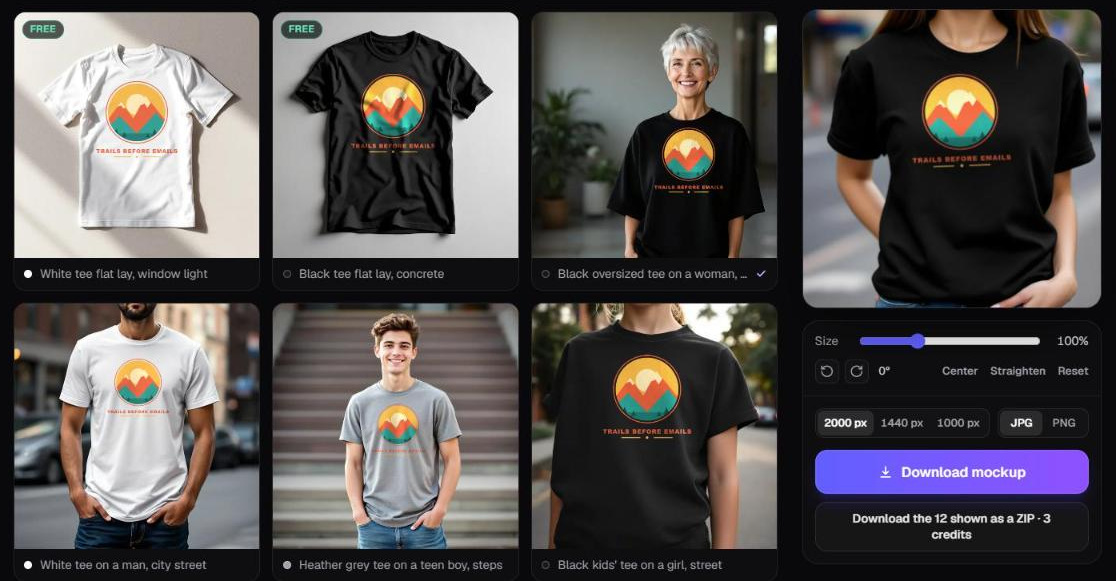
Price: $19.99 a month on the entry plan, billed when a 3-day trial ends; a card is asked up front. Free option: a handful of shirts and hoodies, no account and no watermark.
Trendlytic started life as my niche research app: you type a niche and it compares Etsy, Redbubble, TeePublic and Amazon Merch to tell you whether buyers exist for it and how many sellers already crowd it. Since October 2026 it also holds a mockup library, which is what this entry covers.
We made every photo in it ourselves with AI, several hundred blank t-shirts and hoodies, and measured each one by hand so a design lands where a real print would sit. You upload one design and it appears on every photo at once. Filter by wearer (women, men, teens, girls, boys, toddlers, or product only) and by colour, pin the shots you like, and download one picture or a ZIP of up to 60. Files come out at up to 2000 px, JPG or PNG, with no watermark, and you may use them commercially without crediting us.
A handful are free on our free t-shirt mockup tool and the hoodie set, with no sign-up. The rest of the full mockup library is for members: the first download of a mockup uses 1 credit, and later downloads of it are free.
Strengths:
- One upload fills the whole grid, so a toddler tee and a men's tee get checked in seconds.
- Wearer and colour filters follow how you think about a listing ("is this a kids' design?").
- Commercial use with no attribution, and a given mockup is paid for once.
Weaknesses:
- T-shirts and hoodies only so far.
- No custom scenes, no video, and no generating a photo of your own: you choose from ours.
- Past the free handful, you need a plan.
- The shirts are generic blanks, not the exact Gildan or Bella+Canvas your printer stocks.
Best for: sellers whose designs span age groups (family reunion shirts, teacher tees, kids' designs) and who want one artwork on many wearers without rebuilding it. The mockups share a plan with the niche research, and you can start a 3-day trial here.
2. Placeit: best for the widest range of scenes and models
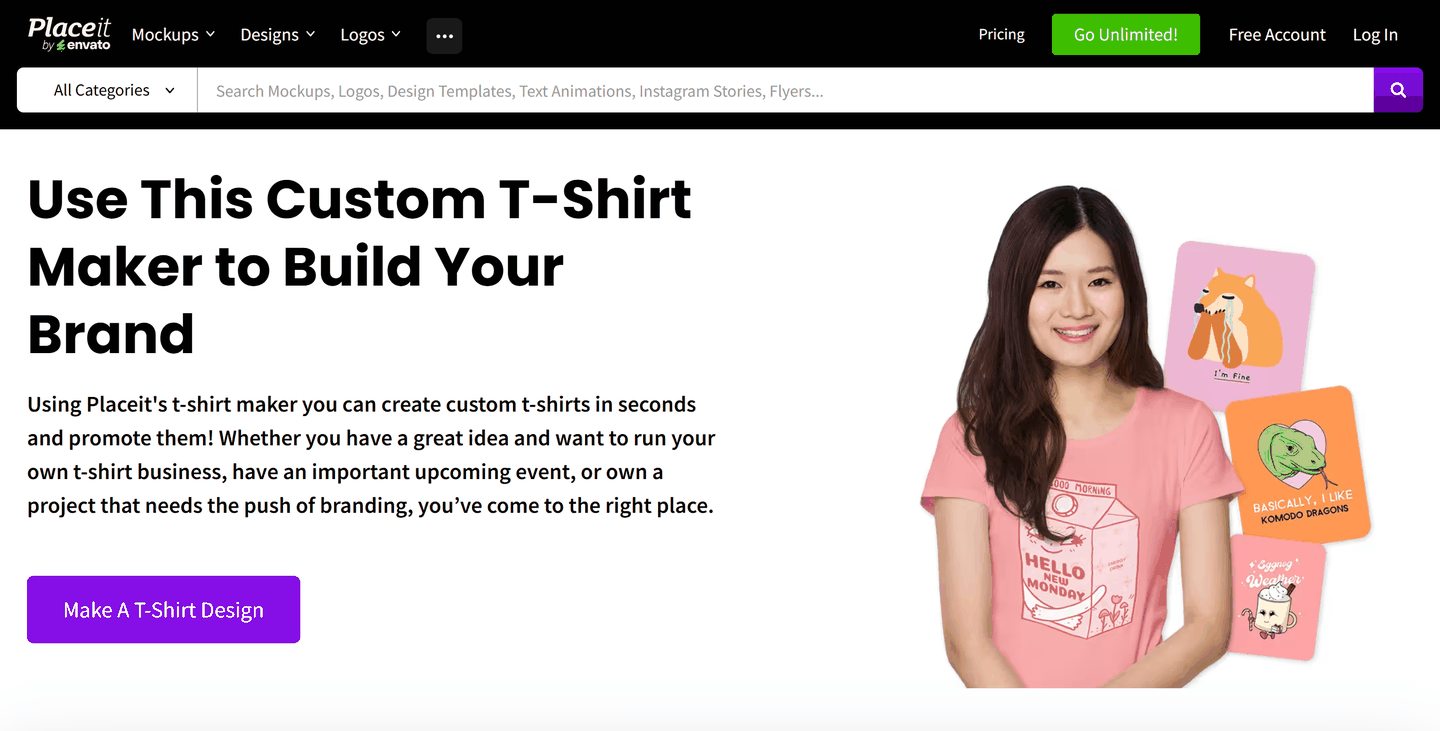
Price: $89.69 a year on the annual plan Placeit showed in October 2026 (about $7.47 a month); month to month costs more. Free option: a free account with limited access.
Placeit belongs to Envato and has been the stock answer to this question for years. It calls itself the largest mockup library online, and for t-shirts that is easy to believe: models of many ages and builds, street and studio scenes, flat lays and couples, with many templates letting you recolour the shirt. The same subscription unlocks logo, design and video templates.
Strengths:
- The broadest spread of models and settings here.
- Unlimited downloads, each with a commercial licence.
- Video mockups and design templates in the same plan.
Weaknesses:
- Well-known templates turn up in many shops, so a listing can look familiar.
- A colour picked in the editor is a tint on a photograph, so heathers and pastels can differ from the shirt that ships.
- A one-month minimum applies once you download anything.
Best for: sellers who want lifestyle variety and will also use the logo, social and video templates.
3. Mockey: best free library to start with, with AI extras on paid plans
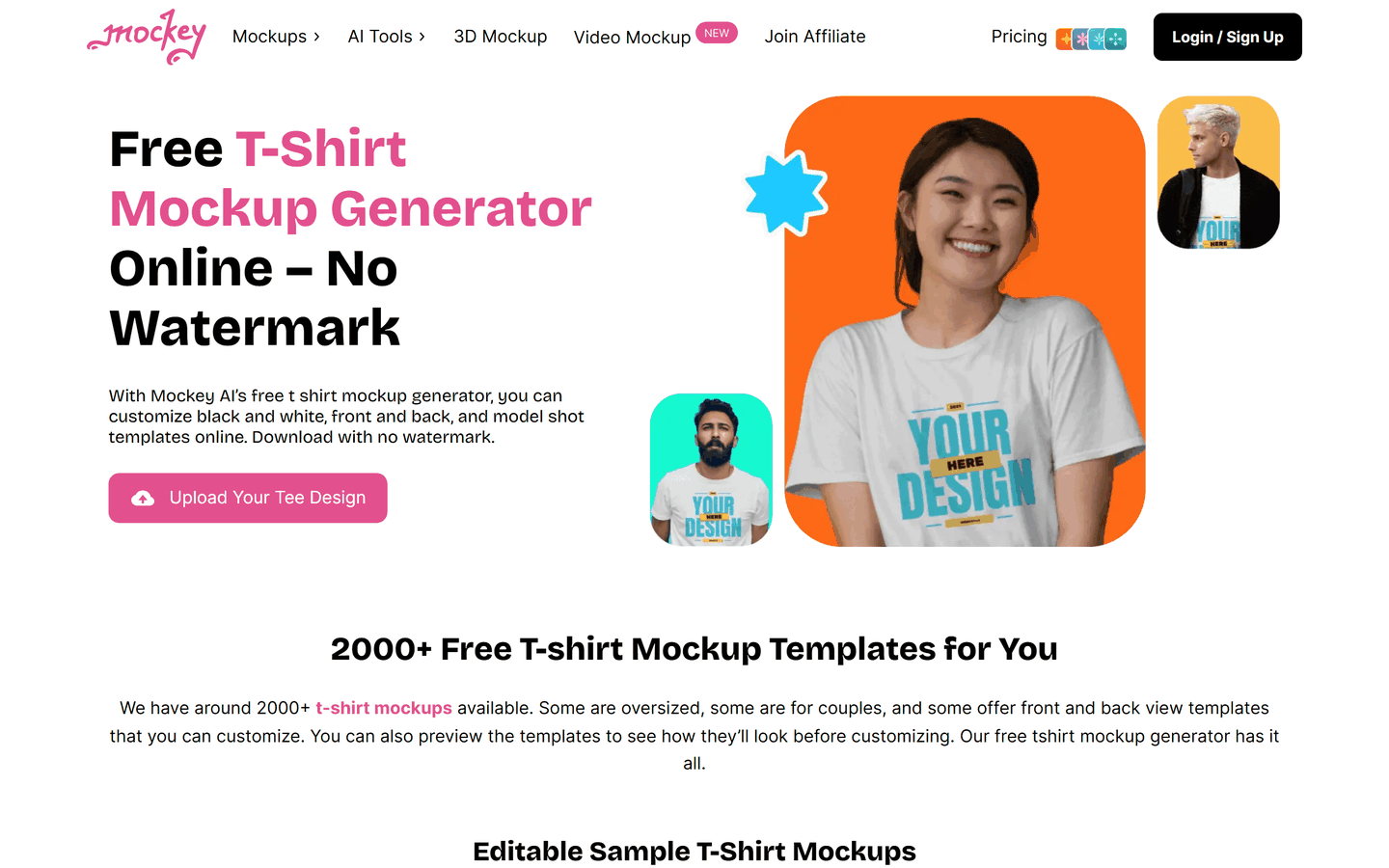
Price: Starter at just under $10 a month, Creator at $19 a month, or Forever at $199 once, as Mockey showed them to us in October 2026 (yearly billing is cheaper, and figures shift by region). Free option: JPG downloads with no watermark.
Mockey counts more than 2,000 t-shirt templates of its own. Paid plans add PNG files, higher resolution and AI tools (video mockups, AI photoshoots, background swaps) that spend AI credits on the Creator and Forever plans.
The catch: Mockey's own plan table marks the free tier as personal use and keeps commercial use for paid plans. Its FAQ confirms that paid-plan downloads carry a full commercial licence and stay usable after you cancel.
Strengths:
- A large free library for trying designs before paying.
- No watermark, even on the free tier.
- AI video and photoshoot tools for social posts.
Weaknesses:
- Free downloads are personal use, so listing photos realistically need a paid plan.
- Free exports are JPG at a single size.
- AI credits reset each billing period.
Best for: sellers who want to try many styles before committing, and anyone who wants short animated mockups for TikTok or Reels.
4. Printful's mockup generator: best for colour accuracy on Printful products
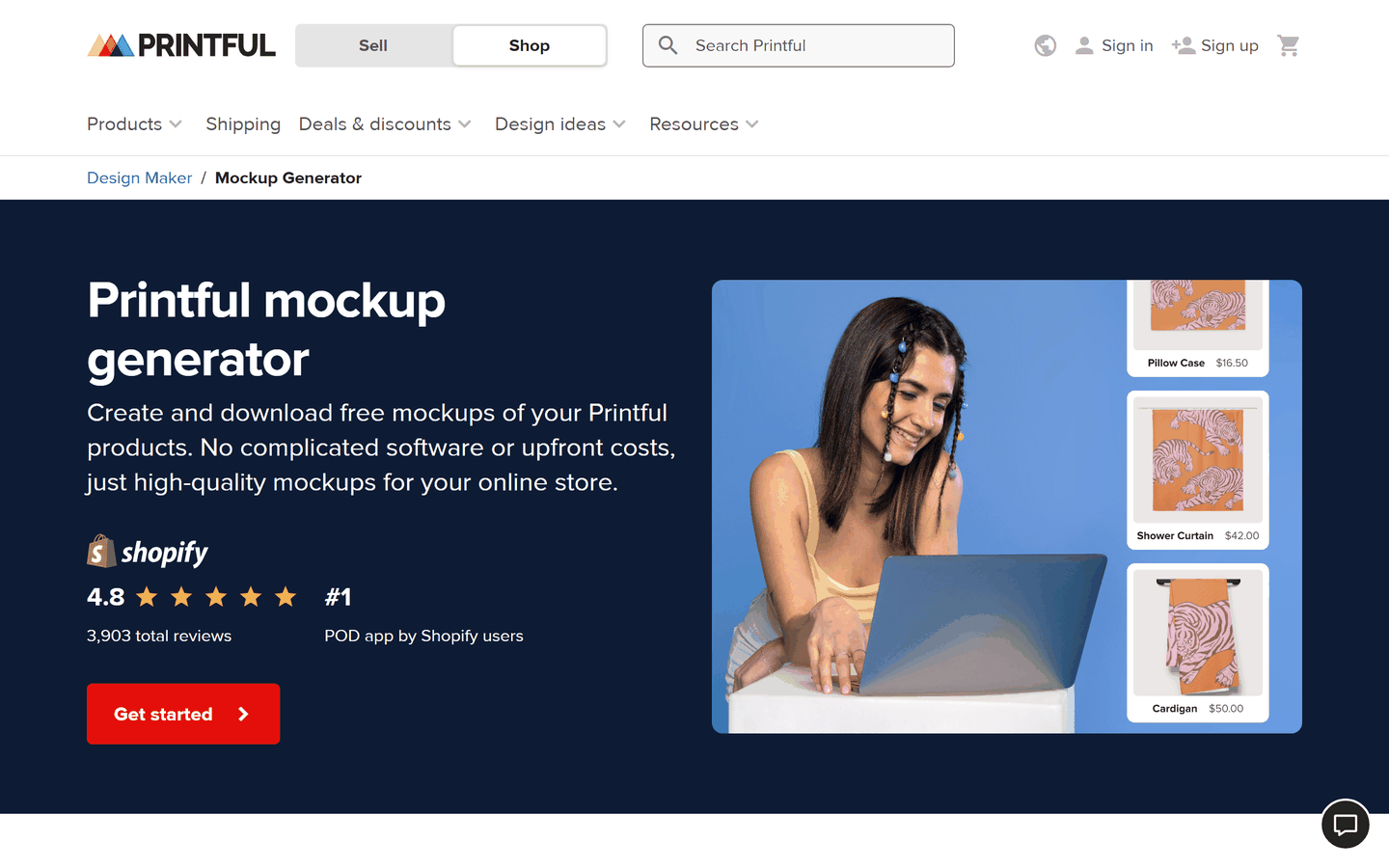
Price: free. Free option: all of it, with a Printful account.
Printful's generator lives inside its product templates. You pick a product from Printful's catalog, add your design, save the template and download studio shots, lifestyle scenes, models and several angles. Printful says the results are free to use on your website, social channels, ads and email.
What no stock mockup can match: the shirt in the picture is the blank Printful prints on, in the colours Printful stocks, with your design held inside that product's print area.
Strengths:
- Free and unlimited for anything in Printful's catalog.
- The blank, colour range and print area match what the buyer receives.
- Covers hoodies, embroidery, mugs and wall art as well as tees.
Weaknesses:
- Only Printful products.
- You need an account and a saved product before you see a single mockup.
- The scenes are uniform, and many Printful shops use the same ones.
Best for: anyone selling through Printful, for the photo that shows exactly what lands on the doorstep.
5. Printify's mockup generator: best for Printify sellers who want AI scenes
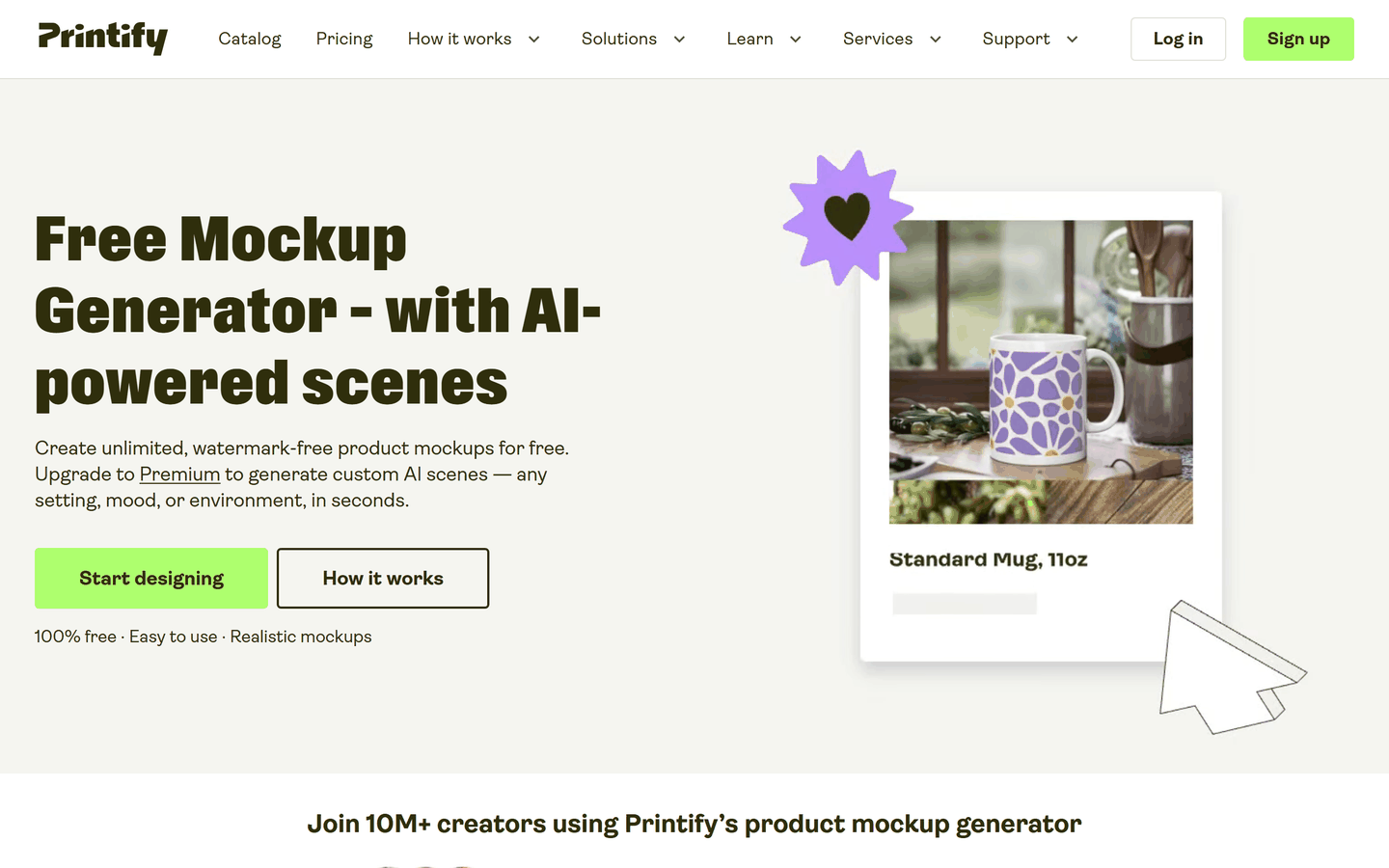
Price: free; AI scenes need Printify Premium, from $39 a month or from $24.99 a month billed yearly. Free option: unlimited downloads with no watermark.
Printify's version works the same way: pick one of its 2,000-plus catalog products, add your design and choose from flat lays, lifestyle scenes and multi-angle views. Printify says the standard templates need no card and no subscription. Premium adds AI scenes, where you describe a setting and it builds one around your product.
One nuance: on Printify the same shirt model can be printed by different providers, and the mockup shows the model and colour, not how one provider's ink will come out.
Strengths:
- Free, unlimited, watermark-free mockups across a very large catalog.
- AI scenes for Premium members.
- Mockups flow straight into the product you publish to Etsy or Shopify.
Weaknesses:
- Only useful for products you sell through Printify.
- AI scenes sit behind a plan priced for product discounts, not mockups.
Best for: Printify sellers, especially those already on Premium for the discounts. For the suppliers themselves, my Printful vs Printify breakdown compares fees, catalog and speed.
6. Canva (with Smartmockups): best if you already build listing graphics in Canva
Price: free for up to 2,500 mockups; Canva Pro after that and for premium templates (its pricing page would not load for us, so check the figure at checkout). Free option: yes, without a watermark.
Smartmockups is now part of Canva: its old address forwards to Canva's mockups page. You can drop a design onto a t-shirt template or, with AI, onto a product photo of your own. Canva says free users can create and use up to 2,500 mockups, free mockups carry no watermark, and exports are royalty-free for commercial projects, as long as you do not resell them as mockups of your own.
Strengths:
- The mockup sits in the same editor as your text overlays, size charts and banners.
- A generous free allowance with no watermark.
- Works on your own photos, not only templates.
Weaknesses:
- Fewer apparel scenes than a dedicated mockup library.
- Premium templates need Pro, and mockups made during a Pro trial may carry a watermark.
- Nothing ties the shirt to a supplier's blank.
Best for: sellers who already make listing images and social posts in Canva and want the mockup in the same place.
7. Dynamic Mockups: best for bulk exports and syncing to Etsy or Shopify
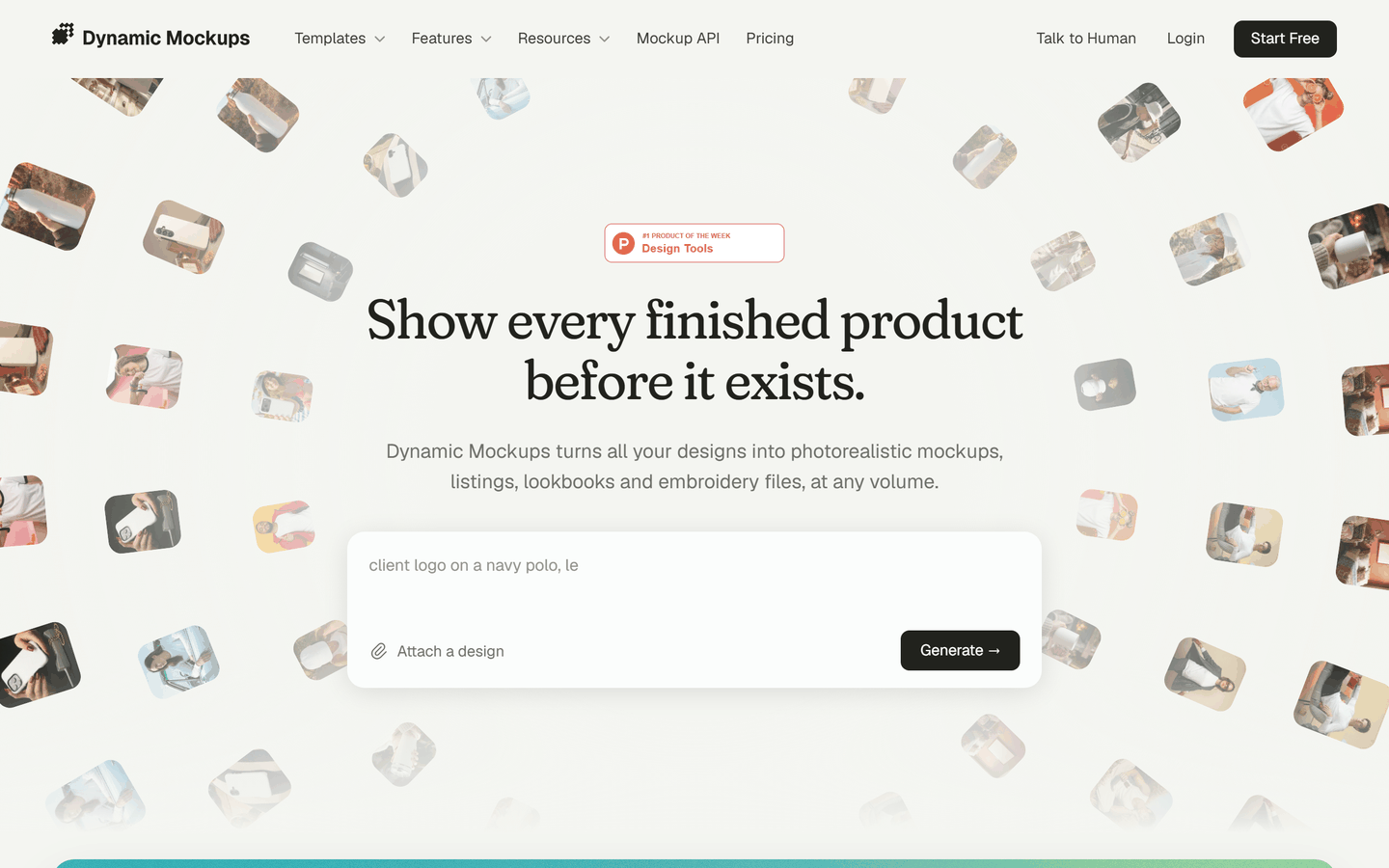
Price: Pro at $15 a month billed yearly, or $19 month to month, with a yearly allowance of credits. Free option: a starting balance of credits, a few free AI images and one AI video a day, and clean exports from the web app.
Dynamic Mockups currently tops Google for this search with its own roundup, and it is built for print-on-demand: render designs onto your own Photoshop mockups, generate AI scenes, batch-export variations and, on Pro, sync to Etsy and Shopify.
On licensing, I found no plain statement about exported mockups: its terms of service read like general website terms that mention personal, non-commercial or internal business use. The product is plainly meant for store listings, but if that wording worries you, ask them in writing.
Strengths:
- Your own PSD mockups rendered at scale, without Photoshop.
- Unlimited batch export and store integrations on Pro.
- An API for sellers who automate listings.
Weaknesses:
- Credit-based pricing takes some working out.
- API renders on the free plan carry a watermark.
- Licence wording is less clear than Placeit's or Canva's.
Best for: sellers with large catalogs, or a developer on hand, who want mockups made and pushed to the store with no manual downloads.
8. Free PSD templates in Photoshop or Photopea: best for zero budget and full control
Price: free with Photopea, a browser editor that opens PSD files with their smart objects, or your existing Photoshop plan. Free option: that is the whole point.
Sites such as Mockup World gather free t-shirt PSDs from independent designers. Mockup World says each author describes the item as free for private and commercial use, but tells you to check the licence on the final download page, and some authors ask for a credit. Freepik, renamed Magnific in 2026, has a large set too: free users must credit it, paying subscribers need not.
Open the PSD, double-click the smart object, paste your design and export. A well-made file maps folds and shadows to the fabric.
Strengths:
- Free, with no subscription.
- Full control over placement, blending, texture and colour.
- Huge choice, including unusual angles.
Weaknesses:
- Slow: one design, one file, one export at a time.
- Licence and attribution terms change from file to file.
- Popular free PSDs appear in thousands of shops.
Best for: sellers with more time than money, and designers already at home in Photoshop.
A mockup is not the print
This is the part most roundups skip. Every image on this page is a photo of a shirt with your design laid over it by software. The colours were drawn on a screen, not printed on cloth.
Real printing changes things. With DTG, the method behind most print-on-demand tees, a dark shirt gets a white underbase first, and polyester-heavy blends can look duller than cotton (see how DTG, DTF and sublimation differ). Printful, Printify and Gelato say they print no white ink on a white shirt, so white parts of your artwork become bare fabric. Our own library draws white a shade lighter than the shirt, so white lettering you can read on our mockup may be missing from the real tee.
A supplier's own generator gets the blank right: the exact shirt model, its real colour name and the print area the printer uses. That matters more than a prettier photo when:
- your design depends on one colour, such as a brand colour, a skin tone or a soft pastel;
- the buyer picks from many shirt colours;
- the design has fine light detail on a dark shirt, or the reverse;
- you have already had a "not as pictured" message.
The workable answer: a lifestyle mockup first, a supplier mockup as the "this is what you get" photo, and one sample order of any design that starts selling.
Licences, watermarks and marketplace photo rules
| Tool | Commercial use in listings | Watermark on free exports | Watch out for |
|---|---|---|---|
| Trendlytic | Yes, free and paid | None | Most of the library needs a plan |
| Placeit | Yes, on downloads | Free access is limited | One-month minimum after a download |
| Mockey | Paid plans only | None | Free tier is marked personal use |
| Printful | Yes, for Printful products | None | Only Printful's catalog |
| Printify | For products you list through Printify | None | AI scenes need Premium |
| Canva | Yes, royalty-free | None on free mockups | No reselling the exports as mockups |
| Dynamic Mockups | Not spelled out | None in the web app | API renders watermarked on free |
| Free PSDs | Depends on the file | None | Credit required on some files |
Marketplaces add their own layer. Etsy's listing image requirements ask for your own photos rather than stock images or renderings, with two exceptions that matter here. When a production partner prints your original design onto a base item such as a t-shirt, Etsy allows a stock photo mockup of the end product. For personalised items, the first image must show a finished, customised item, not a blank shirt or a "Your Text Here" mockup, though computer-made mockups are fine further down. Etsy's seller policy also asks you to name your production partner and to disclose items created with AI.
Redbubble, TeePublic and Amazon Merch build product pictures themselves from your upload, so your own mockups there serve ads, social posts and your own site. If Etsy is your main channel, my Etsy print on demand guide covers the rest of the setup.
Which t-shirt mockup generator should you use?
The right tool depends on how you print and how many designs you publish.
You sell through Printful or Printify
Start with the supplier's generator: free, and honest about colour and fit. Add a lifestyle shot from Placeit, Canva or our library as the first image if the supplier's scenes look like every other shop's.
You run an Etsy shop and need lifestyle photos
The first photo carries most of the weight in Etsy's thumbnail grid. Placeit gives the most variety, Mockey's paid plans cost less a month, and Canva suits you if you already work there. Keep a supplier mockup lower in the listing.
You need many designs out fast
One-upload tools win. Our library puts a design on every wearer in one go, and Dynamic Mockups batch-exports to your store. Template-by-template editors suit five designs a month, not fifty.
Your budget is zero
Use your supplier's generator, Canva's free allowance, the free shirts in our tool, and free PSDs in Photopea. Skip Mockey's free tier for listing photos, since it is marked personal use.
Whichever route you take, learn one tool properly before adding a second.
FAQ
What is the best free t-shirt mockup generator? If you sell through Printful or Printify, their own generators are the best free choice: unlimited, no watermark, and true to the blank. Otherwise, Canva's free allowance of up to 2,500 mockups allows commercial use. Mockey's free library is large, but its free plan is marked personal use.
Can I use mockups for Etsy listings? Yes, for print-on-demand items. Etsy allows a stock photo mockup when a production partner prints your original design on a base item like a t-shirt. For personalised items, the first photo must show a finished, customised item.
Are AI mockups allowed? Etsy's image rules allow mockups for production-partner items and do not single out how the mockup photo was made. Its separate AI rule covers items created with AI, which you disclose in the listing. Either way, the photo must represent what the buyer receives.
Do I need Photoshop to make a t-shirt mockup? No. Every browser tool here works without it, and Photopea opens PSD mockups for free. Photoshop only earns its place if you want full control over PSD templates.
Is Placeit worth it for print on demand? Yes, if you want the widest lifestyle variety and will use its design and video templates too. For a few t-shirt photos a month, Canva or your supplier's generator may be enough.
Why does my shirt look different from the mockup? Because a mockup's colours are drawn, not printed. Ink on fabric, the real dye, the underbase on dark shirts and heather texture all change the result, so order a sample of designs that sell.
Conclusion
For variety, Placeit remains the strongest default, Canva is the easy free start, and your supplier's generator is the honest one for colour. Mockey is good value once you pay, Dynamic Mockups suits volume, and free PSDs reward patience.
Our library is the pick when one design has to work on many wearers and you would rather upload once than edit twenty times. It costs $19.99 a month and up once the 3-day trial ends (the trial takes a card), and you can open an account here. Short on designs to put on those shirts? My list of t-shirt design ideas that sell is a good place to start.
Which mockup tool do you use today, and what made you stop using the one before it?
Like this? Get one like it every Wednesday.
Niche data, trademark alerts, one tactic per week.
Try Trendlytic
Find your next winning POD niche in 40 seconds
Live data from TeePublic, Amazon Merch, Redbubble, and Etsy, with a trademark check built in. Then turn any winner into a listing for a design of your own in that niche. Plans from $19.99/month.
Start researchingKeep reading
- Trendlyticshopify vs etsy
Shopify vs Etsy in 2026: Fees, Buyers and Which to Pick
The JournalShopify vs Etsy in 2026: Fees, Buyers and Which to Pick
October 3, 2026 · 18 min read
- Trendlyticcustom tumblers
Custom Tumblers: Shapes, Buyers and the Brand-Name Trap
The JournalCustom Tumblers: Shapes, Buyers and the Brand-Name Trap
October 2, 2026 · 18 min read
- Trendlyticcustom water bottles
Custom Water Bottles: What Lasts and Who Buys Them
The JournalCustom Water Bottles: What Lasts and Who Buys Them
September 29, 2026 · 18 min read