TL;DR: Kittl is a good shirt-design editor, but selling what you make there needs a paid plan (Pro costs $144 billed yearly, or $15 monthly), and its templates are open to every other subscriber. Canva, Affinity, Photopea and Inkscape are free editors, Adobe Express is cheaper per month, and Creative Fabrica and Vexels sell artwork licensed for print on demand. We built Trendlytic, and it appears here too, though it is no design editor: it answers what to design before you open one.
Kittl won over a lot of print-on-demand sellers with lettering that looks like a real screen print, vector editing in the browser and a template library drawn by working designers. The search for Kittl alternatives usually starts later: at the first renewal, on learning that the free plan forbids selling, or when a template you used turns up in a stranger's shop.
This roundup compares eight other tools on three questions: what it costs, whether you may print the result on products you sell, and what file you get. Every price and license below was read on the company's own site on November 18, 2026. I founded Trendlytic, which takes the first slot here the way it does in all our roundups, and it gets the same plain list of weaknesses as the others.
What Kittl does well, and why sellers look for a Kittl alternative
Kittl sells four plans: Free; Pro at $144 a year or $15 billed monthly; Expert at $312 a year or $35 monthly; Max at $576 a year or $65 monthly (read at kittl.com/pricing in November 2026; prices in US dollars, though the page can show your local currency).
What you get for that is real:
- Lettering tools built for apparel: text effects, vector editing and a vectorizer in one editor, which is why so many retro shirts start there.
- A library of 10,000+ premium templates and mockups drawn by independent designers, plus high-resolution and vector exports on paid plans.
- A license written with POD in mind. Pro and Expert may sell t-shirts, mugs, posters and whole POD stores, up to 500,000 printed copies per design (no cap on Max), and those designs stay sellable after you cancel if a free account stays open.
And the reasons people leave:
- The free plan cannot sell. The license terms restrict Free plan content to personal, non-commercial use. The Free plan card lists a commercial license, but the FAQ on the same page and the terms both say personal use, so plan as if selling starts at Pro.
- Templates are shared. Kittl's FAQ allows selling a template unchanged, yet warns that Etsy, Redbubble and Amazon Merch often remove duplicate listings. Logos built on its templates or illustrations cannot be registered as a trademark either.
- Tight limits: Free gets 100 AI tokens once, five saved projects and standard exports; paid tokens expire monthly, and vector exports lock if you cancel.
- It helps you draw a design, not choose one. Nothing in the editor says whether buyers want it.
| Tool | Best for | Selling the result on merch | Pricing (November 2026) |
|---|---|---|---|
| Trendlytic | Deciding what to design before you open any canvas | Open-licensed fonts (SIL OFL); the phrase is yours to check | Free tools; Starter at $19.99/mo after a three-day trial (card, $1 check) |
| Canva | A free all-purpose editor that also makes listing graphics | Allowed, never with a stock element on its own | Free; Pro priced by country |
| Adobe Express | A deep font library and AI text effects on a monthly plan | Stock assets only inside an original design | Free; Premium US$9.99/mo; Firefly Pro US$19.99/mo |
| Creative Fabrica | Finished artwork and fonts cleared for POD, with an editor | Full POD files as-is, while you subscribe | $47 for a year on an offer; 10 free downloads on the trial |
| Vexels | Merch vectors, a shirt editor and design requests | Licenses run while you subscribe, or for life | $14, $29 or $49 a month; lifetime from $550 |
| Affinity | Professional vector, photo and layout work at no cost | Software only, no library license to track | Free for individuals (Canva account) |
| Photopea | Layered PSD files edited in a browser tab | Software only; your own artwork | Free with ads; Premium from €5/mo, one-time payments |
| Inkscape | Open-source vector files on any desktop | Software only; GPL covers the program | Free |
| Kittl, for reference | Shirt lettering and templates in one editor | Pro and up; 500,000 copies per design below Max | Free for personal use; Pro $144/yr, or $15 monthly |
1. Trendlytic: best for choosing what to design before you open any canvas
What it is: a research app built around one question, which designs already sell on Amazon Merch, TeePublic, Etsy and Redbubble, with a shelf of free, no-login design helpers beside it. Pricing: the free tools cost nothing and need no account. Starter costs $19.99/month for 100 credits, which read up to 12,000 designs on the marketplaces with a verdict on every niche, plus the 1,000 top designs in Best Design Instant, re-ranked every hour. Pro ($49.99) and Business ($99.99) sit above it, and all three start with a three-day trial, which asks for a card and runs a $1 check. Selling on merch: the lettering tools use fonts from the ofl/ folder of Google Fonts only, so the SIL Open Font License applies, and its FAQ lists t-shirts as an allowed use with no credit owed. The words are a separate matter, and checking them is on you.
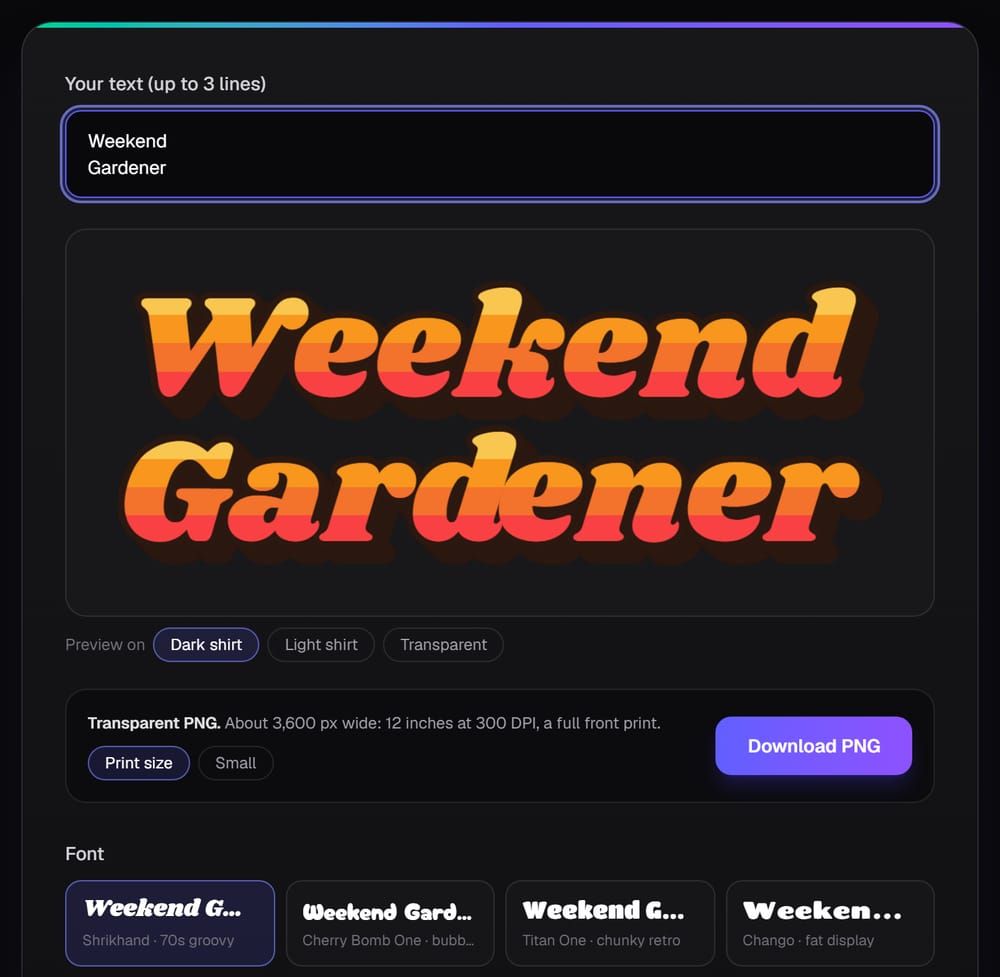
Why pick it over Kittl: I built it, so weigh this paragraph accordingly. Kittl is useful once you know what goes on the shirt. Trendlytic covers the step before that: type a niche and you see the designs buyers are choosing on four marketplaces and how many sellers already compete, with a Rising badge on fresh designs that are already finding buyers. Trending Now lists what is climbing on each marketplace, refreshed every hour. One click sends any phrase you want on a shirt to a USPTO lookup.
For text designs there are free tools: the retro font generator (16 fonts), the vintage font generator (14), the cursive font generator (16), the bubble font generator (12) and a streetwear logo maker. Each draws your words in the browser with stripes, outlines, arches or a worn print and saves a transparent PNG about 3,600 pixels wide, which is 12 inches at 300 DPI. The free slogan generator offers ten lines for a niche from templates; the AI slogan writer lives inside the app.
Strengths:
- Demand on four marketplaces in one search, before you spend an evening drawing.
- Free print-size lettering in fonts cleared for products you sell, with no sign-up or watermark.
- A trademark lookup on any phrase: three a day free on the trademark checker, 50 a month on Starter.
Weaknesses:
- No drawing canvas, no template library and no vector editing, so it does not replace Kittl's editor.
- The font tools export PNG only. For a vector file, the free JPG to SVG converter traces simple lettering well, but a printer who wants clean, editable curves still needs a vector editor.
- The $19.99 pays for research, not design; if an editor is all you need, Kittl Pro costs less.
Best for: people who sell through Redbubble, TeePublic, Etsy or Amazon Merch and lose more hours to designs nobody buys than to the drawing itself. The font tools are free to try, and the 3-day trial shows what sells in your niche.
2. Canva: best for a free all-purpose editor that also makes your listing graphics
What it is: a browser and mobile editor for almost any kind of design, with a free t-shirt design maker and printed shirts you can order from Canva itself. Pricing: the free plan includes 1.6 million+ templates, 4.7 million+ photos, graphics and other media, 5 GB of storage and access to Affinity. Pro adds 3.6 million+ templates, 141 million+ premium items, AI tools such as background removal, and 100 GB. Canva prices Pro per country, and when we looked, canva.com/pricing displayed only our own local currency, so look up your figure there (November 2026). Selling on merch: Canva's Content License Agreement lets free and Pro content appear in reproductions for resale, but it bans showing any of that content on a standalone basis through sites that sell on-demand items like tees, mugs and posters. Stock content also cannot form part of a trademark or logo, fonts excepted, and a Pro element is licensed for one design at a time.
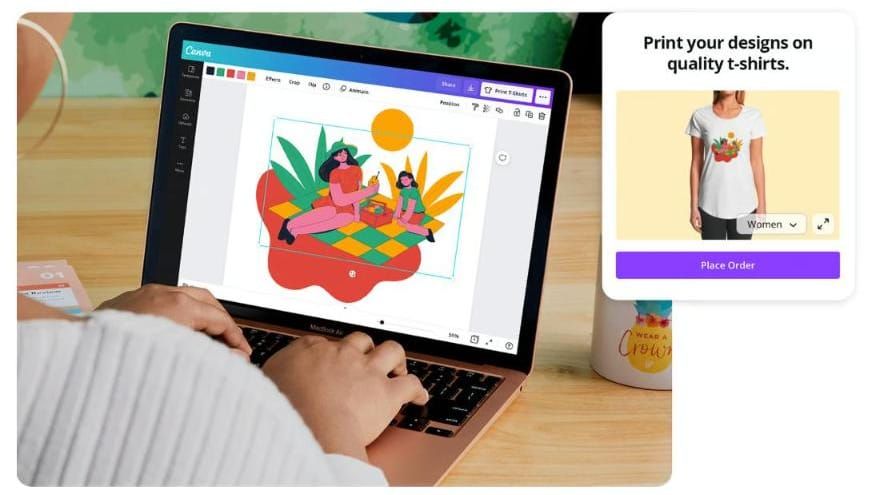
Why pick it over Kittl: price and reach. A shirt, its Etsy listing photos, a Pinterest pin and a shop banner can all come from one free account, and unlike Kittl Free, the license lets free content go on goods for resale, within the rules above.
Strengths:
- A free plan that covers design, listing images and social posts.
- The biggest free template library on this list: 1.6 million+ on the free plan.
- A gentle learning curve for sellers who have never used design software.
Weaknesses:
- A stock graphic dropped on a shirt by itself breaks the license.
- Built for every kind of design, so shirt lettering takes more manual work than in Kittl.
Best for: beginners and side-hustle sellers who want one free tool for designs and the listing images that sell them.
3. Adobe Express: best for a deep font library and AI text effects on a monthly plan
What it is: Adobe's browser and mobile design app, with templates, Adobe Fonts, Adobe Stock and Firefly generative tools. Pricing: Free (345,000+ templates, 5,000+ Adobe Fonts, 5 GB). Premium is US$9.99 a month with no annual commitment and a 30-day free trial: premium templates, the full Adobe Fonts collection of 30,000+ fonts, 430 million+ Stock assets and 250 generative credits a month. Firefly Pro is US$19.99 a month (adobe.com/express/pricing with the region set to United States, November 2026). Selling on merch: Adobe Stock's license terms say an asset under the Adobe Express limited license may not go into merchandise for sale unless the finished piece is an original work, and Adobe's example is a shirt or mug bought for the asset printed on it. The same terms bar using those assets in new projects once a paid membership ends.
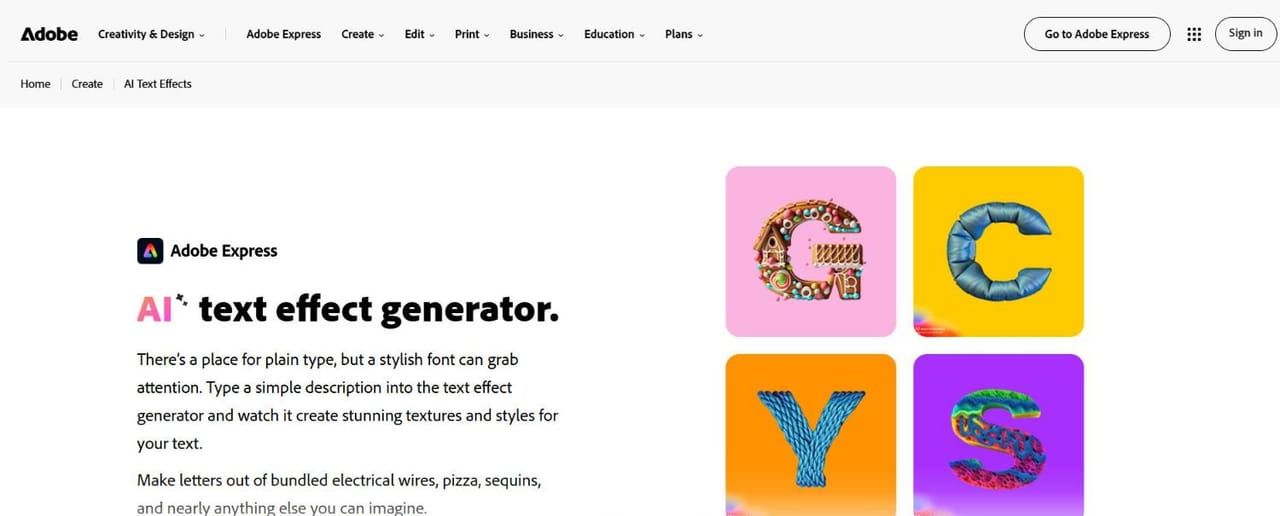
Why pick it over Kittl: type. Premium opens the whole Adobe Fonts collection, and on a text shirt the font is most of the design. The AI text effect generator turns a short description into a texture on your letters, and Premium costs less a month than Kittl Pro.
Strengths:
- 30,000+ fonts on Premium, six times the free plan's 5,000+.
- Month-to-month billing and a 30-day trial.
- AI text effects, background removal and one-click resize for listing images.
Weaknesses:
- Stock graphics cannot be the reason a shirt sells.
- Leave Premium, and its stock assets can no longer go into new projects.
Best for: sellers whose designs are mostly words and who want 30,000+ fonts for under $10 a month.
4. Creative Fabrica: best for finished artwork and fonts cleared for POD, with an editor attached
What it is: a library of graphics, fonts and templates sold by subscription, plus Studio, a browser editor with AI image and video tools. Pricing: a free trial that includes 10 downloads, then All Access Yearly at $47 for the year, shown as $3.99 a month on an offer with a countdown timer; the banner promises the same $3.99 a month on renewal, charged once a year (creativefabrica.com/subscription, November 2026). Check the price at checkout. Selling on merch: its POD page counts 13,694,371 graphics and 288,138 fonts under the Full POD license, which may be uploaded unchanged to several POD sites with no limit on sales. On All Access, that right ends with the subscription: cancel, and products made from those files must come down, unless a file went into a completely new design (then Basic POD applies). A file bought singly stays sellable for life.
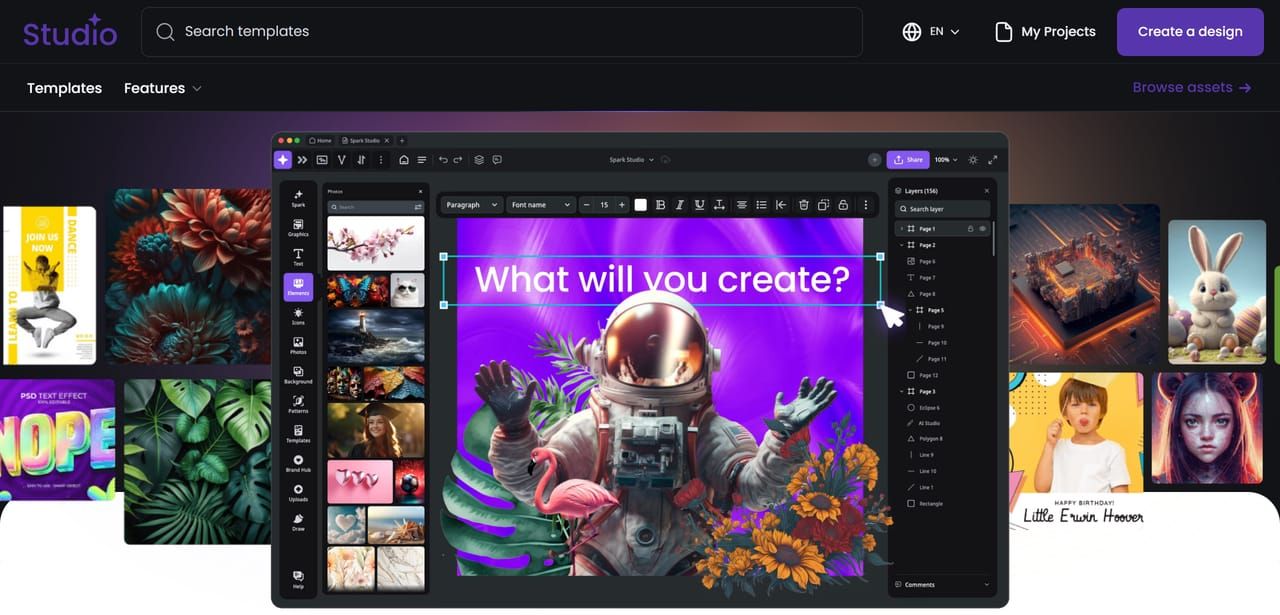
Why pick it over Kittl: Kittl urges you to change its templates. Many Creative Fabrica graphics are finished art the license lets you upload as they are, and Studio puts that library on one canvas for combining assets into something less common.
Strengths:
- Millions of graphics and fonts with a POD license spelled out per file.
- A low first-year price on the current offer.
- Studio, AI tools and the asset library under one login.
Weaknesses:
- The same file is open to every other member, so unchanged art is never yours alone.
- Studio serves crafters, teachers and marketers too, so it has fewer shirt-specific features than Kittl.
Best for: sellers who want ready art in volume and plan to keep the subscription running.
5. Vexels: best for merch vectors, a shirt editor and custom design requests
What it is: a graphics library aimed at merch sellers, with an online Merch Designer, a mockup generator and AI tools. Pricing: Merch Starter $14 a month (30 stock downloads, 200 AI credits, limited content in the tools); Merch Seller $29 (100 downloads, 2 custom design credits a month); Merch Expert $49 (200 downloads, 4 design credits). Paying annually saves up to $206. Lifetime Pro is $550 and Lifetime Expert $1,500, marked down from $920 and $2,500, with design requests and AI credits limited to the first two years (vexels.com/merch-plans, November 2026). Selling on merch: Vexels describes its monthly and annual plans as a rental. You may sell its designs while a license is active; cancel, and the merch licenses expire with the subscription. A Lifetime plan, or a lifetime license bought per design, keeps them. Vexels also suggests using its designs as a starting point for original work.
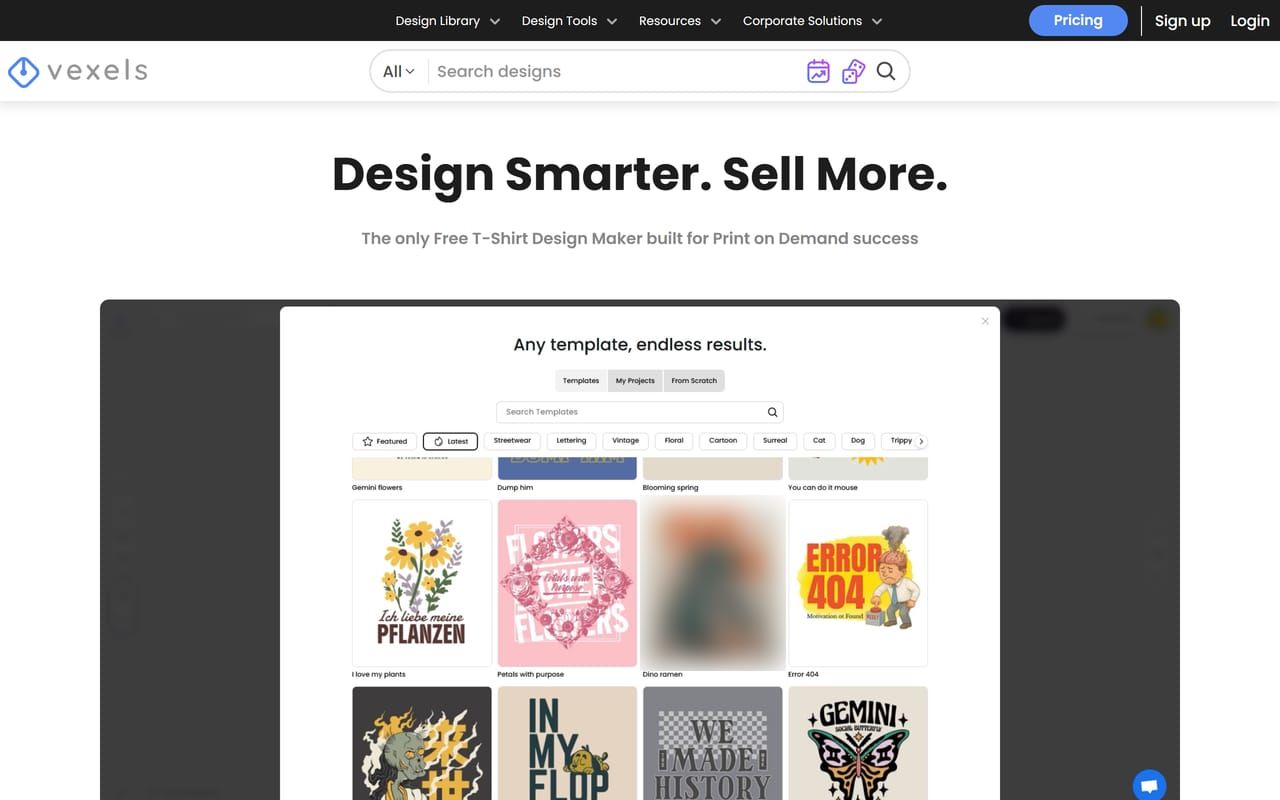
Why pick it over Kittl: Vexels is organized around the merch seller. The library is drawn for shirts, the editor can start from those templates, and higher plans include custom design credits: Vexels' designers make a design you request.
Strengths:
- Graphics drawn for apparel, ready at print size.
- Design requests on Merch Seller and above.
- A one-time lifetime plan if you would rather not subscribe.
Weaknesses:
- Cancel a monthly plan and you lose the right to keep selling its designs.
- Starter caps downloads at 30 a month and limits the tools.
- At $29 for the recommended plan, it costs more than Kittl Pro.
Best for: Amazon Merch, Redbubble and TeePublic sellers who want shirt-ready vectors and the occasional design made to order.
6. Affinity: best for professional vector, photo and layout work at no cost
What it is: one desktop app, now from Canva, with Vector, Pixel and Layout studios, for Windows, macOS and iPad. Pricing: free for individuals; downloading it takes a free Canva account. Canva's AI tools inside Affinity need a Canva premium plan (affinity.studio/get-affinity, November 2026). Selling on merch: Affinity is software, not a content library, so there is no template license to track. The rights questions are about the fonts and images you bring into your file.
Why pick it over Kittl: it is a full professional design program for $0. Vector and pixel work share one file, PSD and AI files open with their layers, and once activated it runs offline, so no subscription stands between you and your files.
Strengths:
- Professional vector, raster and layout tools, free.
- Opens Photoshop and Illustrator files.
Weaknesses:
- A real learning curve compared with Kittl's templates.
- No ready shirt designs to start from.
- A Canva account to download, and AI only with a paid Canva plan.
Best for: sellers who draw their own artwork and want desktop-grade tools without a monthly bill.
7. Photopea: best for layered PSD files edited in a browser tab
What it is: a free photo and graphics editor that runs in the browser and opens PSD, AI, SVG, PDF, EPS, Figma and more than 40 other formats. Pricing: free with ads and 0.5 GB of PeaDrive storage. Premium starts at €5 a month as the account panel showed it to us, paid as one-time payments rather than a subscription: no ads, 5 GB of PeaDrive, 3,000 AI credits a month and twice the history steps (photopea.com account panel, November 2026). Selling on merch: like Affinity and Inkscape, it is a tool, not a library. What you make from your own artwork carries no extra license from Photopea.
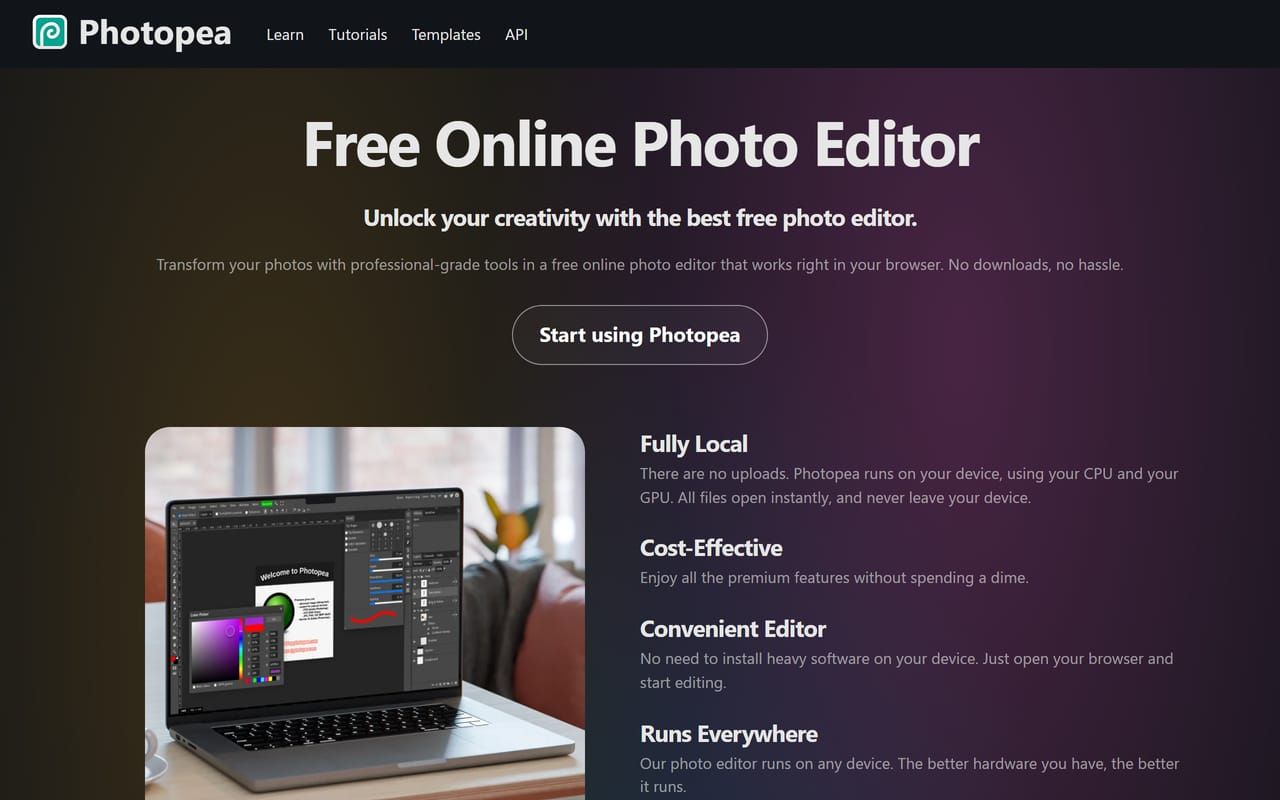
Why pick it over Kittl: many design packs and mockups sold to POD sellers are PSD files. Photopea edits them, smart objects included, in a tab with nothing to install, and runs locally, so files stay on your device.
Strengths:
- Free, with layers, masks, smart objects and AI background removal.
- Opens almost any design file a seller is handed.
Weaknesses:
- Ads on the free version.
- A Photoshop-style interface that takes time to learn, with no text-effect presets.
Best for: sellers who buy PSD design packs or mockups and do not want a Photoshop subscription.
8. Inkscape: best for open-source vector files you fully control
What it is: a free, open-source vector editor for Windows, macOS and Linux, with SVG as its native format. Pricing: free. Inkscape is released under the GNU General Public License version 2, which its FAQ summarizes as free use for any purpose, commercial or not (inkscape.org/learn/faq, November 2026). Selling on merch: the GPL covers the program, not your drawings, so there is no account, plan or subscription between you and your files.
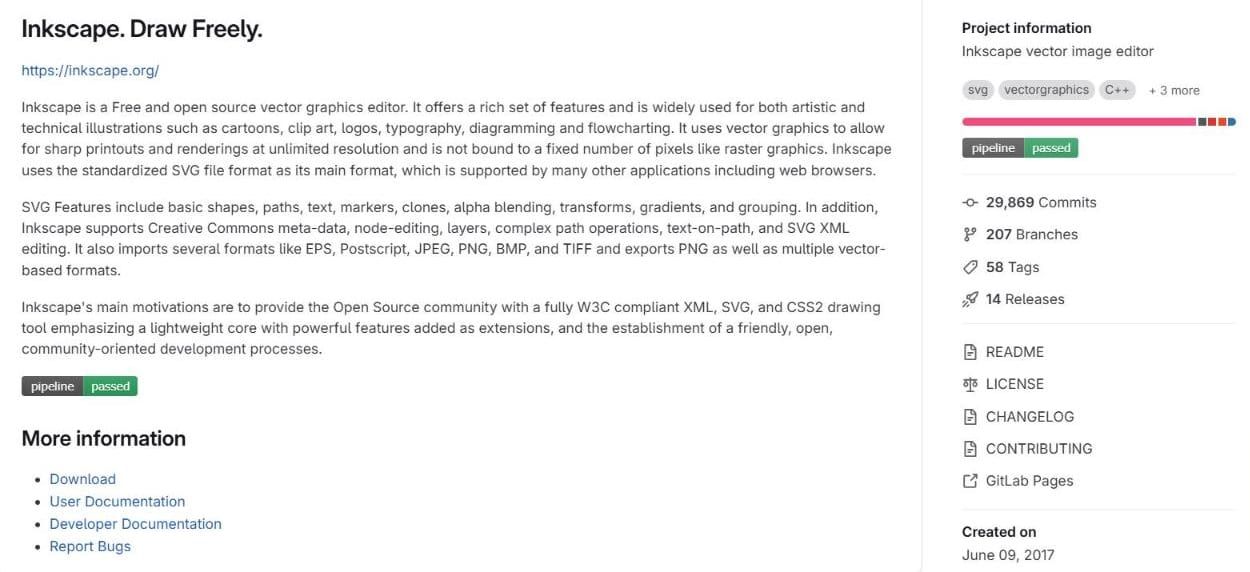
Why pick it over Kittl: it costs nothing, needs no account and never expires. Clean vector artwork for screen printers, stickers or cutting machines comes out as SVG with no plan in the way.
Strengths:
- Real vector tools: paths, nodes, boolean operations, text on a path.
- Runs on Linux as well as Windows and macOS.
Weaknesses:
- The interface is older and slower to learn than Kittl's.
- No templates or text-effect presets: every look is built by hand.
- No built-in AI image tools.
Best for: anyone after vector files with no account or bill attached, and the patience to learn the tool.
Which Kittl alternative fits how you work
Your designs are mostly words
Our free font generators give you a print-size PNG in open-licensed fonts within a minute, Adobe Express Premium opens 30,000+ fonts for $9.99 a month, and Kittl is still strong at layered text effects. Whichever sets the letters, check the phrase before you list it; why that matters more than the font is in my guide to trademarks in print on demand.
You want a free editor and will put in the learning time
Affinity is the most complete free desktop option, Inkscape the open-source route to vector files, and Photopea the browser tool for PSD files. Canva is the easiest of the four, with fewer shirt-specific tools.
You want ready-made art with a POD license
Creative Fabrica gives the bigger library for less in the first year; Vexels is drawn for merch, with design requests on top. Both licenses end with a monthly or annual subscription, so budget to keep it, or buy single files or a lifetime plan for long sellers.
You liked Kittl's templates but not seeing them in other shops
A template any subscriber can open is never yours alone. Start from your own drawing or photo and add open-licensed type.
You are not sure what to design in the first place
Before you design, set real demand against the number of sellers already in the niche, and judge by what buyers are paying for rather than by search counts. By hand that takes hours on four marketplaces; one Trendlytic search covers it. My lists of trending t-shirt designs and t-shirt design ideas show the kind of patterns to study. Treat a selling design as proof that a buyer exists, then make your own version for that same buyer, in the style that is already selling.
Pick one editor and give it a month of real listings before you add another subscription. For the product photos that come after the design, my Placeit alternatives roundup compares mockup tools.
FAQ
What is a good free Kittl alternative? For a full editor, Affinity is free for individuals and covers vector, photo and layout work, while Inkscape is free and open source. Canva's free plan is the easiest to learn. For text designs only, our free font generators export a print-size transparent PNG with no account.
Is Kittl free for commercial use? No. Kittl's license terms limit Free plan content to personal, non-commercial use. Selling starts with Pro, $144 for a year or $15 paid monthly, which allows up to 500,000 printed copies per design.
Can I sell Kittl templates on Redbubble or Etsy? On Pro or above, the license allows it, even unchanged. Kittl's own FAQ still advises customizing, since duplicate listings often get removed by the big marketplaces, and designs built on its templates cannot be registered as trademarks.
Is Canva or Kittl better for t-shirt designs? Kittl has more shirt-focused lettering and vector tools; Canva is broader, cheaper to start and stronger for listing images. In Canva, keep stock elements inside a design of your own.
Do I need vector files for print on demand? Usually not for upload: Redbubble, TeePublic and Amazon Merch take high-resolution PNG files. Vectors matter when you resize artwork a lot, cut vinyl, or work with a screen printer who asks for one.
Does Trendlytic replace Kittl? No. It has no canvas or template library. It covers what to design, plus free lettering tools and a USPTO trademark lookup; illustrated designs still need an editor.
Conclusion
Kittl is fairly priced if you use its lettering tools every week and sell enough to cover Pro. If not, pick by job: Canva for a free all-rounder, Adobe Express for fonts, Creative Fabrica or Vexels for licensed art, and Affinity, Photopea or Inkscape for free professional editing.
None of them tells you which design is worth the evening. I built Trendlytic for exactly that question. One search shows which designs buyers pick in a niche on all four marketplaces. It costs from $19.99/mo, a 3-day trial that takes a card ($1 check). Starter's 100 credits read up to 12,000 designs on the marketplaces with a verdict on every niche, plus the 1,000 top designs in Best Design Instant, re-ranked every hour. The Rising badge picks out fresh designs that are already finding buyers, and a USPTO lookup on a phrase of your choosing shows whether someone registered it. Start the trial here.
Which part of Kittl would you miss most if you switched, the text effects or the templates?
Try Trendlytic
Find your next winning POD niche in 40 seconds
Live data from TeePublic, Amazon Merch, Redbubble, and Etsy, and a one-click USPTO lookup on any phrase. Then turn any winner into a listing for a design of your own in that niche. Plans from $19.99/month.
Start researchingLiked this? Learn niche research in 5 short emails.
One email a day for 5 days: how sellers pick niches, why designs fail, and how to check yours. Unsubscribe in one click.
Keep reading
- Trendlyticwhat is a mockup
What Is a Mockup? Meaning, Types and How Sellers Use Them
The JournalWhat Is a Mockup? Meaning, Types and How Sellers Use Them
November 17, 2026 · 15 min read
- Trendlyticplaceit alternatives
Placeit Alternatives: 8 Picks for POD Sellers in 2026
The JournalPlaceit Alternatives: 8 Picks for POD Sellers in 2026
November 16, 2026 · 17 min read
- Trendlytichoodie design ideas
50 Hoodie Design Ideas for 2026, by Niche and Print Spot
The Journal50 Hoodie Design Ideas for 2026, by Niche and Print Spot
November 14, 2026 · 18 min read